
届いた問い合わせに 返信案がもう 書いてある。
届いた問い合わせに 返信案がもう書いてある。

DEMO
その返信案を、いまここで試せます
IndieForm について質問を送ると、ナレッジを根拠にした返信案が生成されます
FEATURES
IndieFormでできること
フォームの作成から問い合わせ管理、返信までをひとつの流れにまとめます。
 01
01URLからフォームをすぐ作成
App Store・Google Play・WebページのURLを貼るだけで、プロダクト情報をもとに問い合わせフォームの下書きを作成します。
 02
02環境情報付きで問い合わせを受信
公開フォームのURLにパラメータを付けるだけで、調査に必要な環境情報を問い合わせと一緒に受け取れます。
 03
03MCPで操作をAIエージェントに
Claude Code・Cursor・Codexなどから、問い合わせの確認やステータス・返信案の更新、ナレッジの管理ができます。
 04
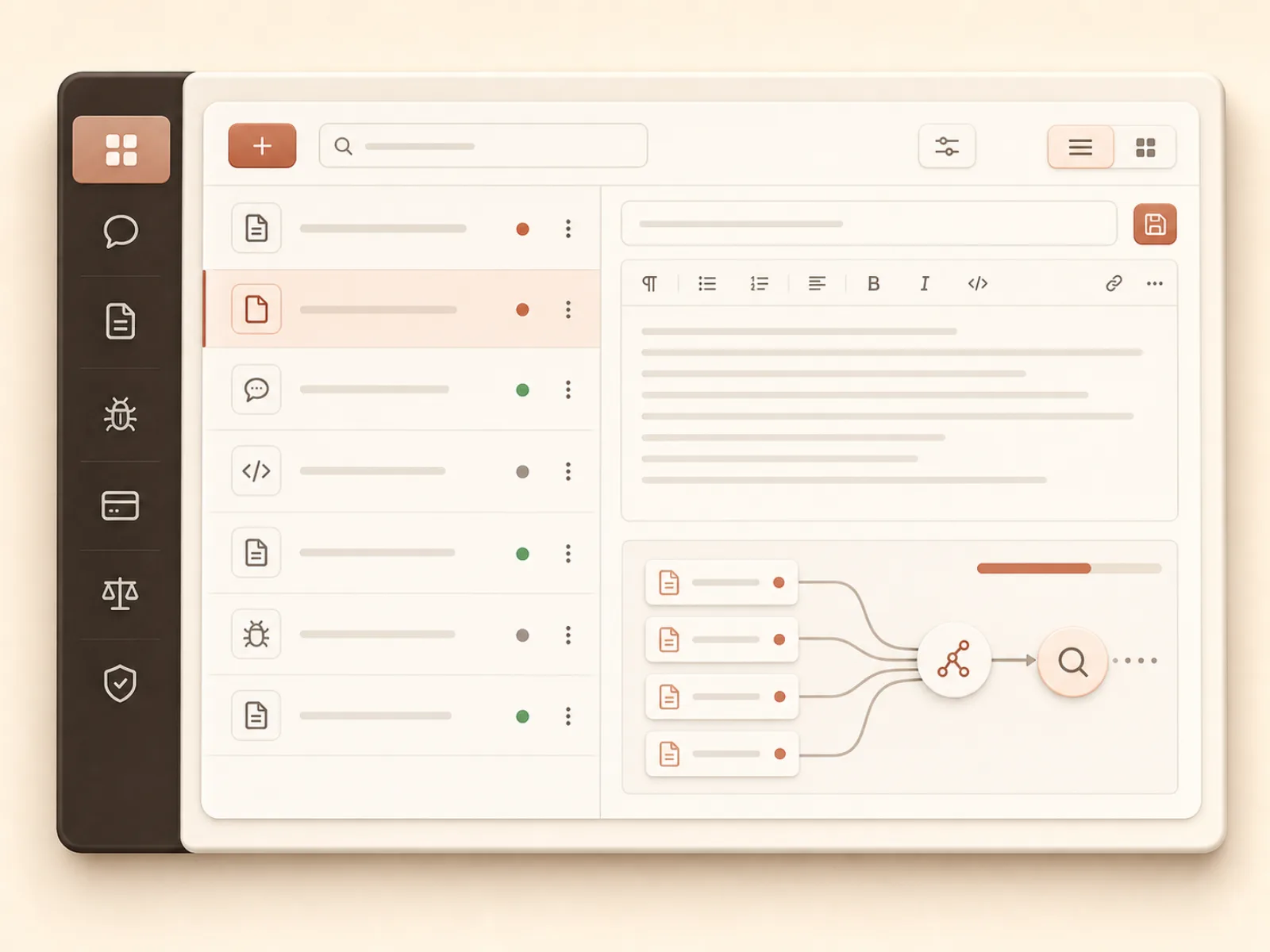
04ナレッジを返信の根拠として蓄積
アプリ概要・FAQ・仕様・不具合・料金・規約などを、プロダクトごとの返信ナレッジとして管理します。
 05
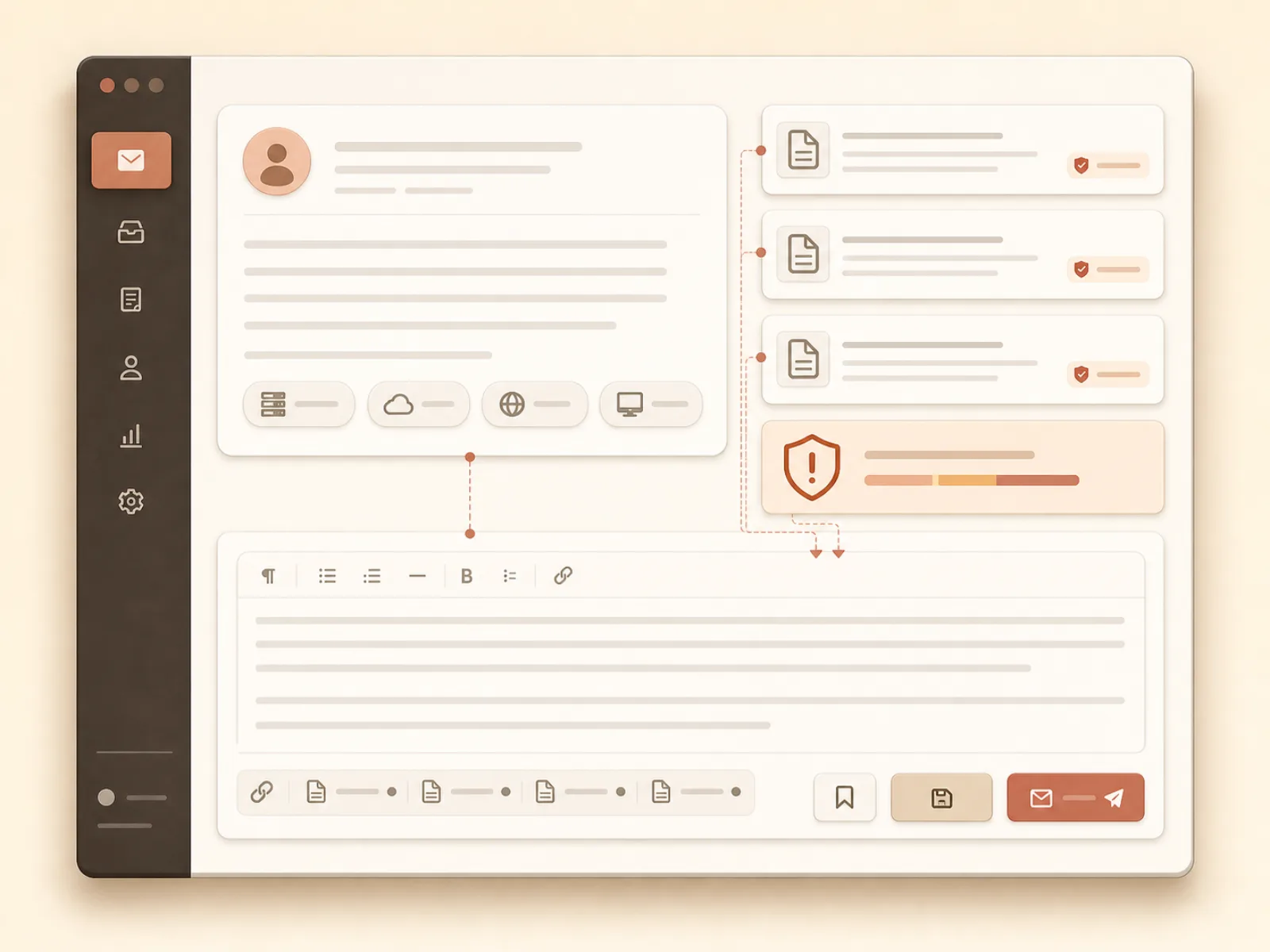
05根拠付きの返信案を自動生成
問い合わせ内容と環境情報に、関連ナレッジや過去の返信例を組み合わせ、確認・編集して使える返信案を作成します。
 06
06自動翻訳で海外ユーザーに対応
問い合わせの原文を保持したまま開発者の言語へ翻訳し、ユーザーの言語に合わせた返信案を用意します。
PRICING
小さくはじめて、伸びたら上げる
問い合わせの受付・保存は全プラン無制限

- プロダクト 2
- AI返信案 30/月
- ナレッジ 50

- プロダクト 5
- AI返信案 300/月
- ナレッジ 500

- プロダクト 10
- AI返信案 1,000/月
- ナレッジ 2,000

- プロダクト 無制限
- AI返信案 5,000/月
- ナレッジ 10,000
PLAN
プランごとの機能を比較
Free | Indie | Pro | Studio | |
|---|---|---|---|---|
| プロダクト数 | ||||
| プロダクト数 | 2 | 5 | 10 | 10+ |
| 返信案の自動生成数 | ||||
| 返信案の自動生成数 | 30/月 | 300/月 | 1,000/月 | 5,000/月 |
| ナレッジ数 | ||||
| ナレッジ数 | 50 | 500 | 2,000 | 10,000 |
| 返信案の自動生成 | ||||
| 返信案の自動生成 | ||||
| 自動翻訳 | ||||
| 自動翻訳 | ||||
| メール通知 | ||||
| メール通知 | ||||
| CSVエクスポート | ||||
| CSVエクスポート | ||||
| MCP連携 | ||||
| MCP連携 | ||||
| フォームカスタマイズ | ||||
| フォームカスタマイズ | ||||
| フォームの多言語対応 | ||||
| フォームの多言語対応 | ||||
| Slack/Discord通知 | ||||
| Slack/Discord通知 | ||||
| フォームAPI(実装予定) | ||||
| フォームAPI(実装予定) | ||||
| Notion/Sheets同期(実装予定) | ||||
| Notion/Sheets同期(実装予定) | ||||
| 送信前の解決案提示(実装予定) | ||||
| 送信前の解決案提示(実装予定) | ||||
| カスタムドメイン(実装予定) | ||||
| カスタムドメイン(実装予定) | ||||
| チーム管理(実装予定) | ||||
| チーム管理(実装予定) | ||||
FAQ
よくある質問
無料で使えますか?
はい。Free プランはクレジットカード登録不要で、期限なくずっと無料で使えます。
問い合わせ自体に上限はありますか?
いいえ。問い合わせの受付・保存は全プラン無制限です。プラン上限が適用されるのは返信案の生成数・プロダクト数・ナレッジ登録数です。
課金しないと問い合わせフォームが急に使えなくなったりしませんか?
なりません。Free プランは期限なく使い続けられ、問い合わせフォーム自体が使えなくなることはありません。プラン上限に達した場合は返信案の自動生成だけがブロックされ、既存のデータが削除されたり遡及的に制限されたりすることはありません。
どうやって環境情報を取得するの?
お問い合わせリンクに app_version・platform・os_version・device などのクエリパラメータを付けると、問い合わせ時に環境情報として保存されます。Indieプラン以上では任意のパラメータと表示ラベルも設定でき、設置用の実装プロンプトへ追加できます。
問い合わせ内容やプロダクトのナレッジはAIに学習されますか?
いいえ。問い合わせ内容やナレッジは、その返信案を生成するための検索・参照にのみ使われ、AI モデルの学習データとして使われることはありません。データはアカウントごとに分離されており、他のアカウントの返信案に使われることもありません。
具体的な導入方法がわからない
ダッシュボードの「スタートガイド」に沿って進めるだけで導入できます。ナレッジ登録 → フォームの見た目設定 → テスト送信での動作確認 → プロダクトへの設置、の4ステップを同じ画面で完了でき、設置ステップでは公開 URL をコピーするか、AIエージェント向けの実装プロンプトをそのまま渡して組み込めます。
自動でユーザーに返信されますか?
いいえ。あくまで返信案の自動生成のみで、自動での送信はされません。ご自身で内容を確認・編集してから直接メーラーを開いて送信する仕組みで、送るかどうかは必ず人が判断する仕組みにしています。
返信を書く時間を、今日から手放す。
Google ログインだけで 1 分。次の問い合わせから、返信案つきで受け取れます。