
Every inquiry arrives with the reply already drafted.
Every inquiry arrives with the reply already drafted.

DEMO
Try a reply draft right here
Ask a question about IndieForm and see a reply draft grounded in our knowledge sources
FEATURES
What you can do with IndieForm
Bring form creation, inquiry management, and replies together in one streamlined workflow.
 01
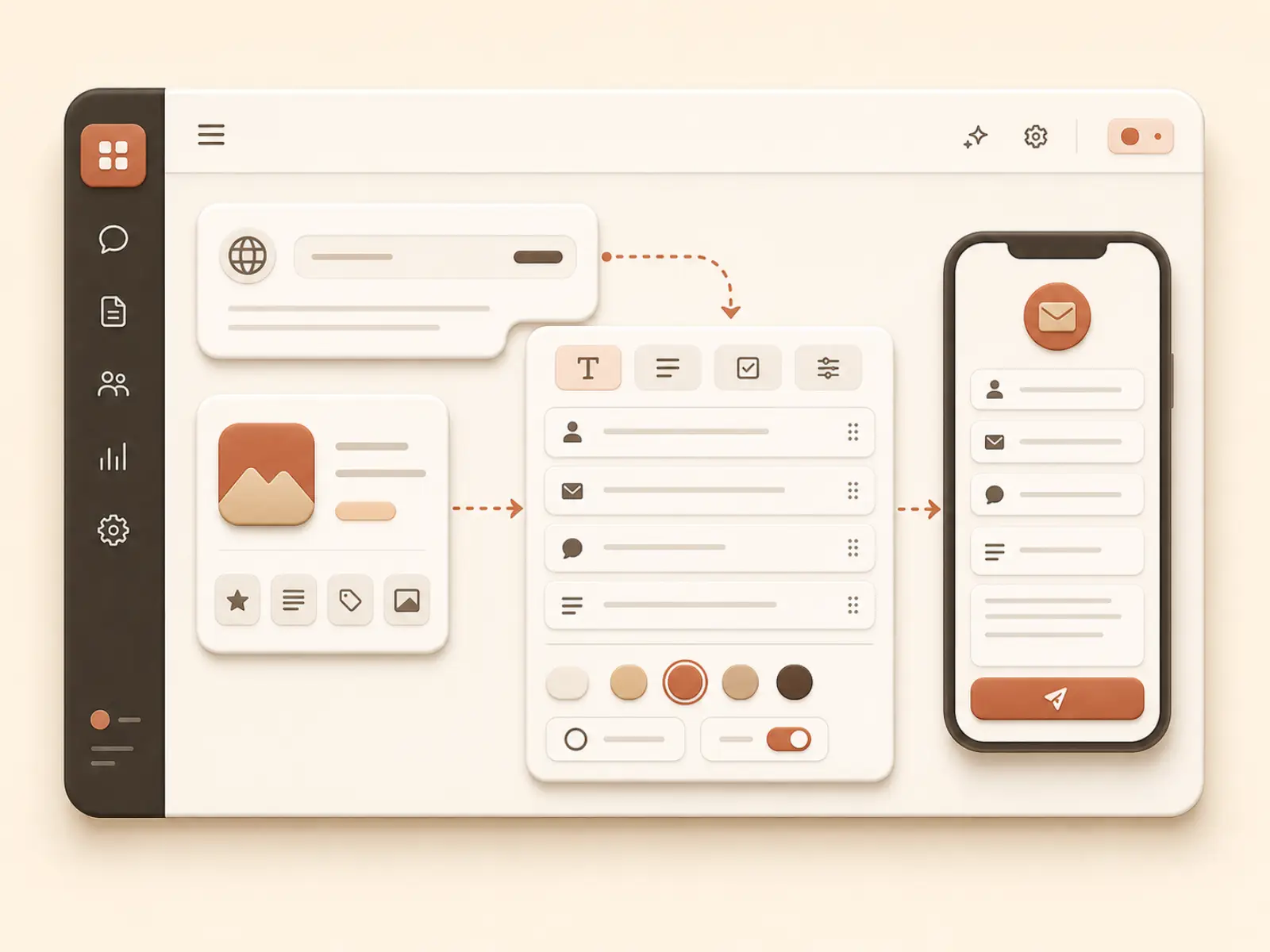
01Create a form from a URL
Paste an App Store, Google Play, or website URL to draft a contact form using your product information.
 02
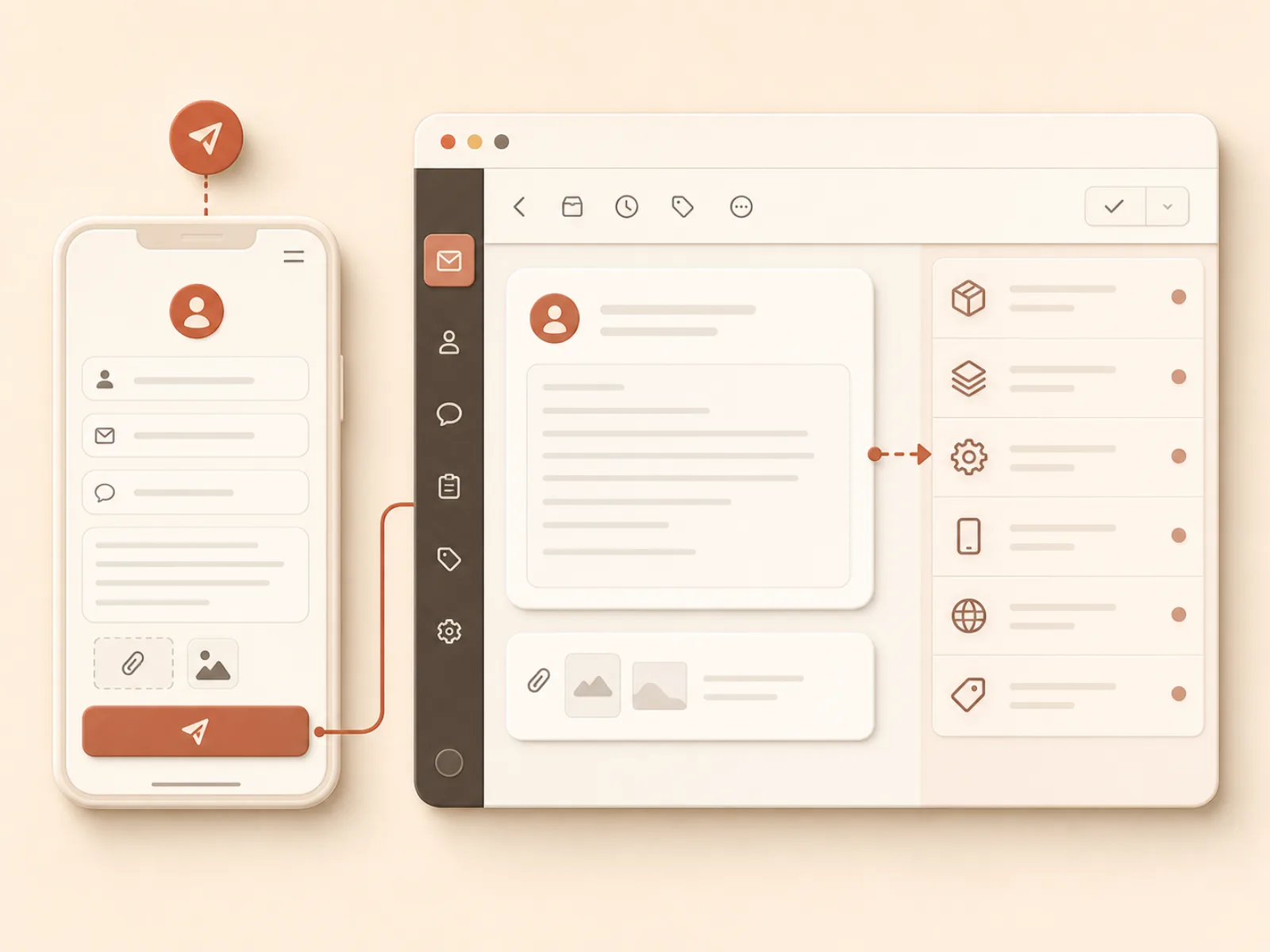
02Receive inquiries with environment details
Add parameters to your public form URL and every inquiry arrives with the environment details you need to investigate.
 03
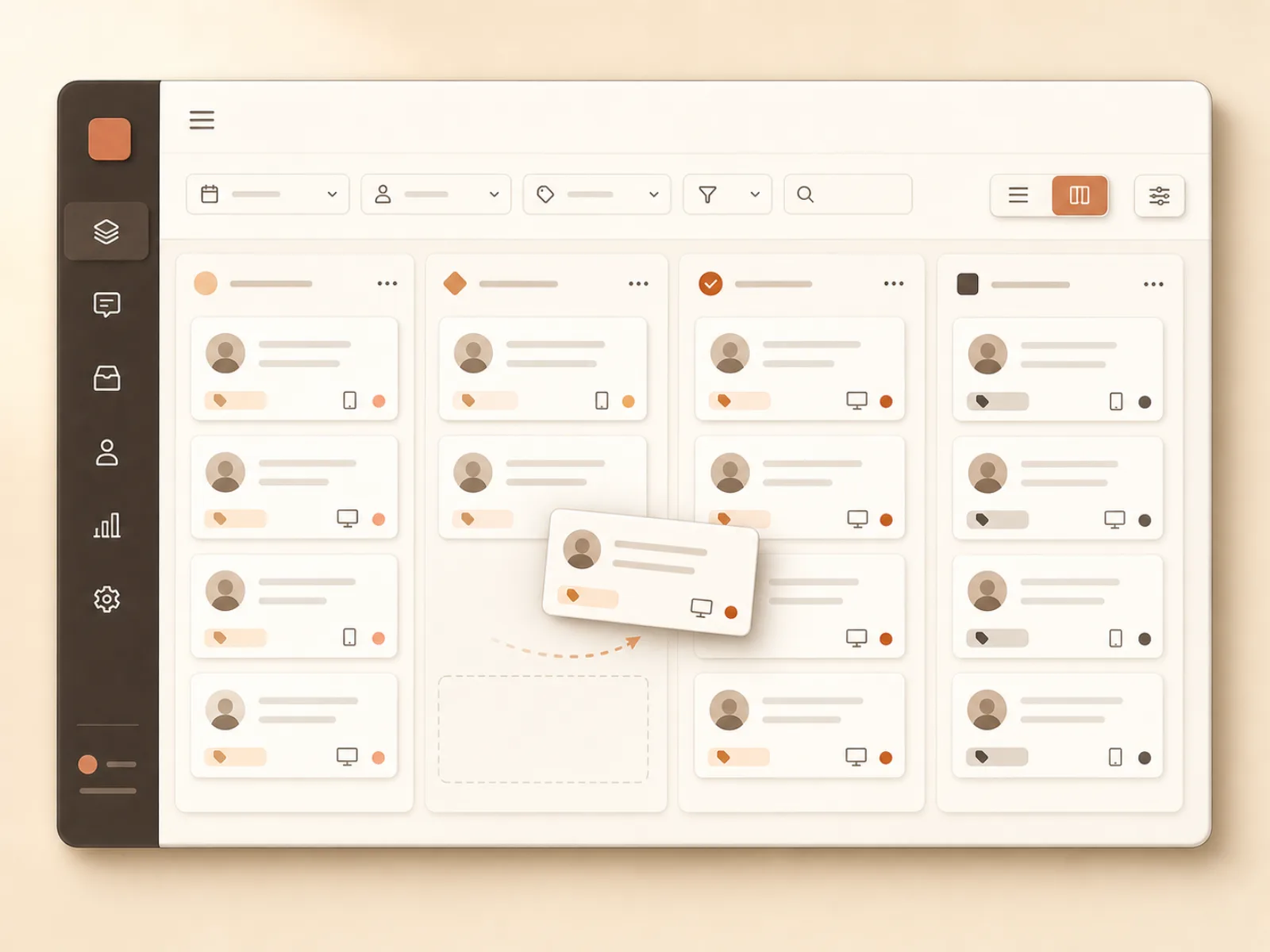
03Work from your AI agent with MCP
Connect Claude Code, Cursor, Codex, and other MCP clients to review inquiries, update statuses and reply drafts, and manage knowledge sources.
 04
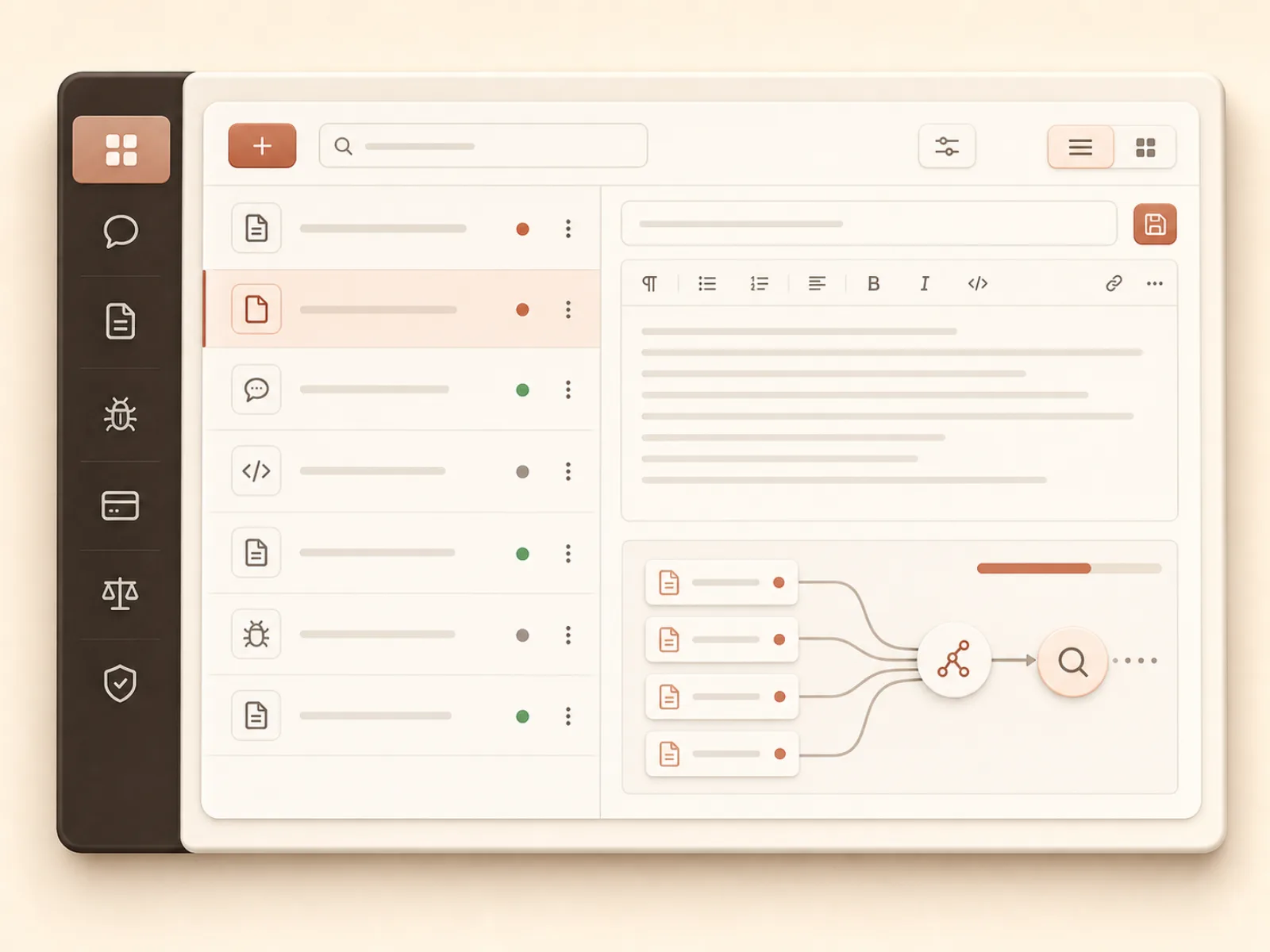
04Build the knowledge your replies rely on
Manage product overviews, FAQs, specs, known issues, pricing, and policies as knowledge sources for each product.
 05
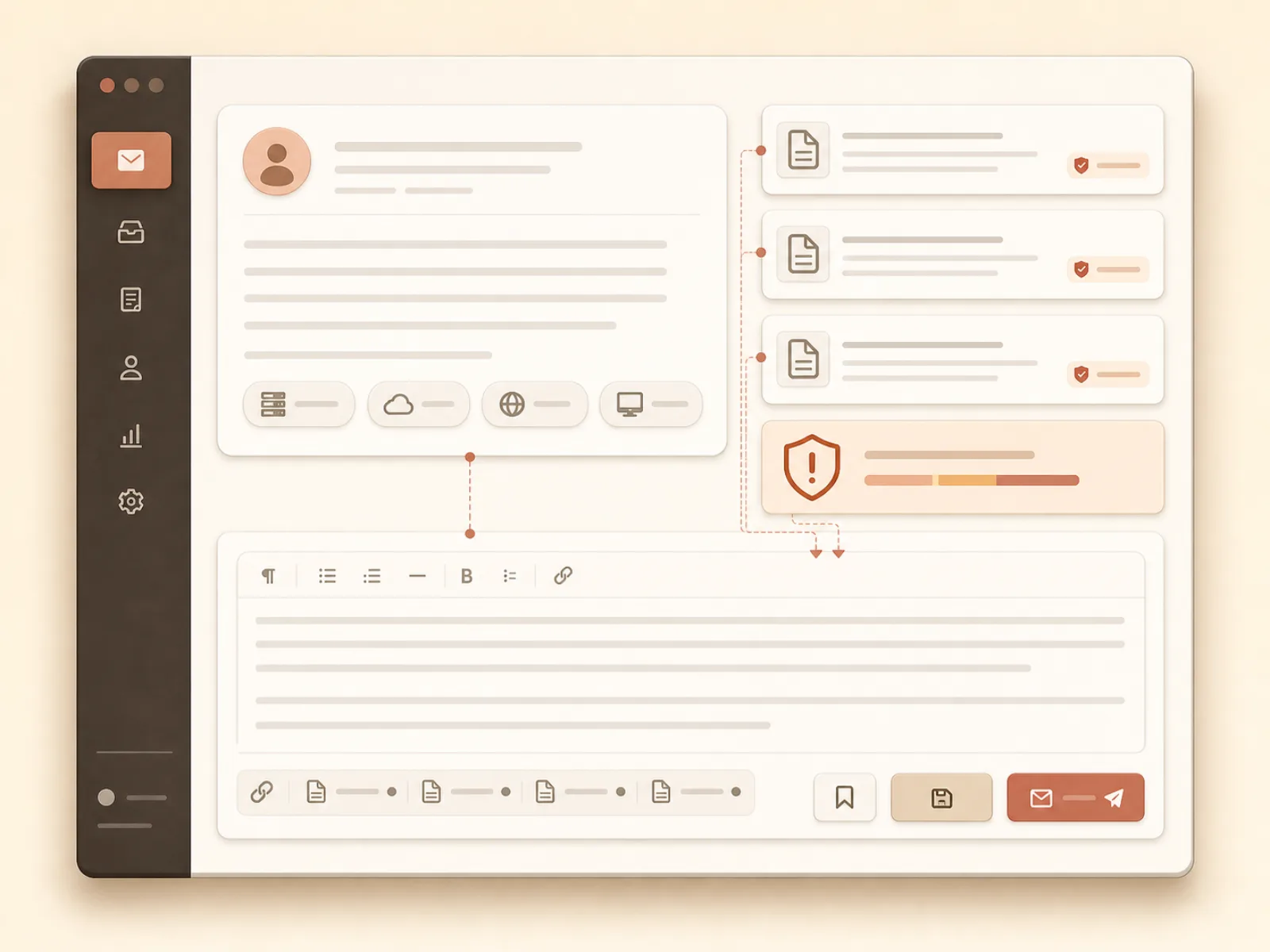
05Generate grounded reply drafts
Combine the inquiry and its environment details with relevant knowledge sources and past replies to prepare an editable draft.
 06
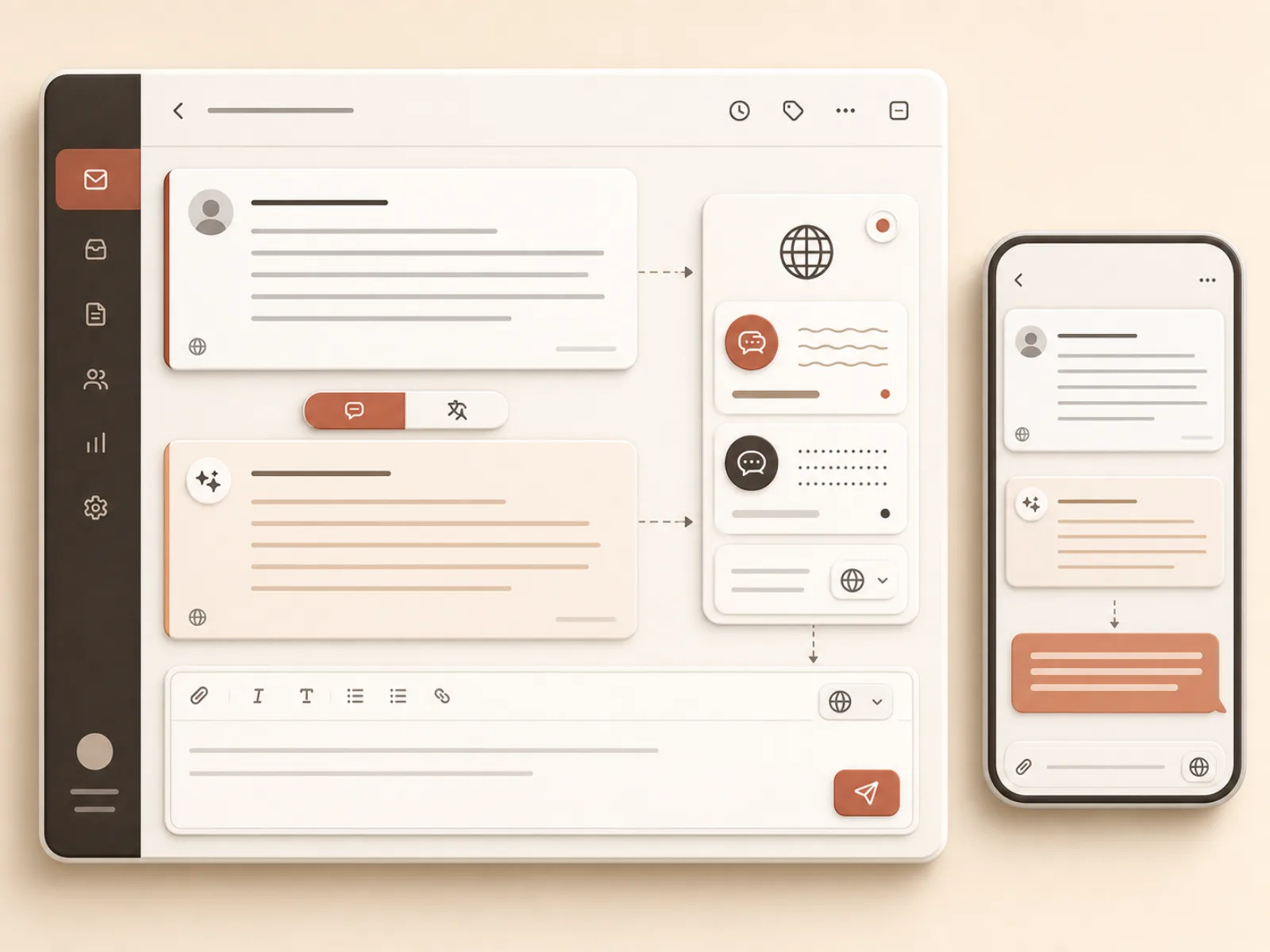
06Support global users with translation
Keep the original inquiry while translating it for the developer and preparing a reply in the user's language.
PRICING
Start small, scale up as you grow.
Inquiries are unlimited on every plan.

- Products: 2
- Reply drafts: 30/month
- Knowledge sources: 50

- Products: 5
- Reply drafts: 300/month
- Knowledge sources: 500

- Products: 10
- Reply drafts: 1,000/month
- Knowledge sources: 2,000

- Products: Unlimited
- Reply drafts: 5,000/month
- Knowledge sources: 10,000
PLAN
Compare features by plan
Free | Indie | Pro | Studio | |
|---|---|---|---|---|
| Products | ||||
| Products | 2 | 5 | 10 | 10+ |
| Reply drafts generated | ||||
| Reply drafts generated | 30/mo | 300/mo | 1,000/mo | 5,000/mo |
| Knowledge sources | ||||
| Knowledge sources | 50 | 500 | 2,000 | 10,000 |
| Reply draft generation | ||||
| Reply draft generation | ||||
| Auto-translation | ||||
| Auto-translation | ||||
| Email notifications | ||||
| Email notifications | ||||
| CSV export | ||||
| CSV export | ||||
| MCP integration | ||||
| MCP integration | ||||
| Form customization | ||||
| Form customization | ||||
| Multilingual form | ||||
| Multilingual form | ||||
| Slack/Discord notifications | ||||
| Slack/Discord notifications | ||||
| Form API(coming soon) | ||||
| Form API(coming soon) | ||||
| Notion/Sheets sync(coming soon) | ||||
| Notion/Sheets sync(coming soon) | ||||
| Pre-send resolution suggestions(coming soon) | ||||
| Pre-send resolution suggestions(coming soon) | ||||
| Custom domain(coming soon) | ||||
| Custom domain(coming soon) | ||||
| Team management(coming soon) | ||||
| Team management(coming soon) | ||||
FAQ
FAQ
Is it free to use?
Yes. The Free plan requires no credit card and remains free indefinitely.
Is there a limit on inquiries themselves?
No. Receiving and storing inquiries is unlimited on every plan. Plan limits apply only to the number of reply drafts generated, products, and knowledge sources.
Will my contact form suddenly stop working if I don't pay?
No. You can keep using the Free plan indefinitely, and your contact form itself will not stop working. If you reach a plan limit, only automatic generation of reply drafts is blocked. Existing data is never deleted or retroactively restricted.
How does it capture environment details?
Add query parameters such as app_version, platform, os_version, and device to the contact link to save them as environment details with each inquiry. On the Indie plan and above, you can also configure arbitrary parameters and display labels and include them in the installation prompt.
Is my inquiry content or product knowledge used to train AI models?
No. Inquiry content and knowledge sources are used only to search for and reference information needed to generate the relevant reply draft. They are never used to train AI models. Data is isolated by account and is never used to generate replies for other accounts.
I'm not sure how to set it up.
Just follow "Getting started" in your dashboard. You can complete all four steps on the same screen: add knowledge sources → customize the form's appearance → verify it with a test submission → add it to your product. In the installation step, you can either copy the public URL or give the generated implementation prompt directly to your AI agent.
Are replies sent to users automatically?
No. IndieForm only generates reply drafts and never sends them automatically. After reviewing and editing the content yourself, you open your email app directly and send the reply. A human always decides whether to send it.
Stop writing replies from scratch, starting today.
One minute and a Google sign-in. From your next inquiry on, the draft is already written.